Top 7 Best Homelab Projects for Beginners in 2024
The journey from a casual computer user to a knowledgeable tech enthusiast usually starts in the same unassuming place: a personal sandbox. But let’s face it, diving into system administration or development can feel incredibly intimidating. Aspiring IT pros want to dive into cloud automation and networking, yet they often hit a wall when faced with convoluted enterprise software and wildly expensive certification courses.
You definitely can’t go experimenting on your company’s live production servers—at least, not if you want to keep your job. The best workaround? Building a local testing environment right in your own house. By tackling the best homelab projects for beginners, you create a safe, stress-free zone to learn about modern infrastructure, self-hosted applications, and network configuration entirely at your own pace.
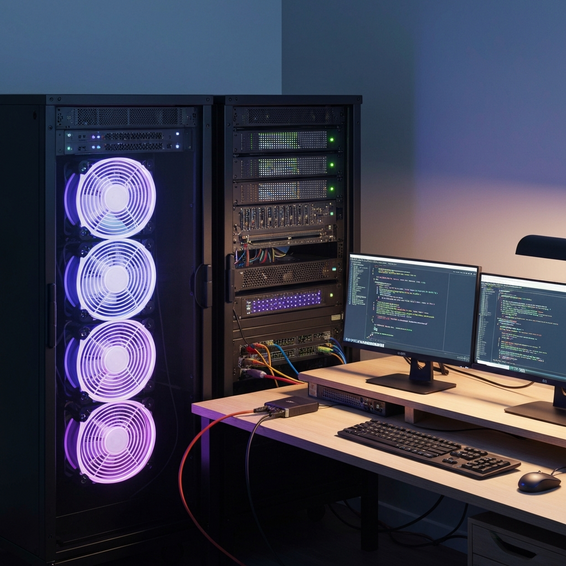
In this guide, we are going to walk you through a hand-picked selection of starter projects that demand very little in terms of hardware. Whether you are dusting off a ten-year-old laptop or unboxing a brand-new Raspberry Pi, these practical setups will accelerate your tech skills and completely change the way you look at modern computing.
Why Beginners Struggle to Start Their Homelab Journey
Trying to build a home server from scratch can easily feel like trying to drink from a firehose. Enterprise-level IT is notoriously complex, filled with sprawling architectures, and often heavily gatekept by industry jargon. Naturally, when beginners try to replicate those massive setups in their living rooms, they run headfirst into some frustrating roadblocks.
The biggest technical hurdle usually comes down to what we call the “dependency trap.” Imagine you just want to run a basic web app. Suddenly, you realize you also need to understand Linux command-line syntax, figure out database management, and untangle network routing all at the exact same time. When you combine that with dense, technical documentation and confusing online tutorials, it is no wonder so many people burn out quickly.
This is precisely why starting out with foundational home server setup projects makes such a huge difference. By focusing on just one core concept at a time—like setting up a DNS filter or managing a file host—you can build up a rock-solid knowledge base. Better yet, since you are the only user on the local network, you can tinker away without the constant dread of breaking a critical system.
Quick Fixes: Easy Homelab Projects to Get Started
If you want to see some immediate results, these straightforward solutions are the perfect place to begin. They deliver real, everyday value while teaching you the basics of networking and Linux—no enterprise server racks or advanced coding degrees required.
1. Network-Wide Ad Blocking with Pi-hole
Pi-hole is widely considered the ultimate gateway drug into the self-hosting community. Operating as a DNS sinkhole, it actively intercepts and blocks requests trying to reach known advertising and tracking servers. The beauty of this setup is that every single device connected to your network—from your smart TV to your smartphone—gets instant ad-blocking without needing any browser extensions.
- Install a lightweight Linux operating system (Ubuntu and Debian are excellent choices) on a spare PC or a Raspberry Pi.
- Open your terminal and run the automated, one-line Pi-hole installation script.
- Log into your home router’s settings and point your primary DNS server to the new IP address of your Pi-hole.
2. Your Personal Google Drive with Nextcloud
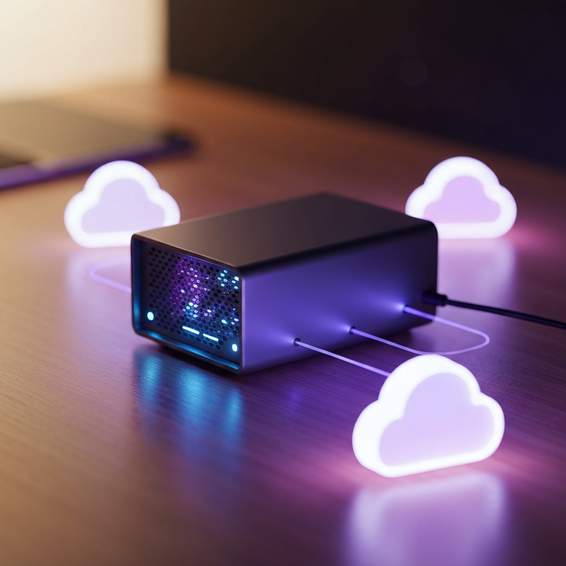
Trusting massive tech corporations with your personal files often means accepting privacy compromises and paying endless monthly subscription fees. Nextcloud offers a fantastic, open-source alternative. It empowers you to host everything locally, keeping your files, contact lists, and calendars safely stored on your own hardware.
- Download the standard Nextcloud package, or deploy it the easy way using a Linux snap container.
- Configure your physical storage drives so they point directly into the Nextcloud data directory.
- Keep your phone and computer completely synced using the official Nextcloud client apps.
3. Self-Hosted Media Streaming with Jellyfin
Are you getting frustrated with big streaming platforms constantly hiking their prices and removing your favorite shows? Jellyfin is a 100% free, open-source media server that gives you the power to organize and stream your own collection of movies, television, and music. Beyond just the entertainment value, it serves as a brilliant crash course in network-attached storage and hardware media transcoding.
Advanced Solutions: Stepping Up Your Infrastructure
Once you feel confident running basic applications, it is incredibly rewarding to start viewing your homelab through the lens of Dev and IT operations. These intermediate challenges will introduce you to the exact same virtualization and containerization platforms that power today’s largest enterprise environments.
4. Bare-Metal Virtualization with Proxmox VE
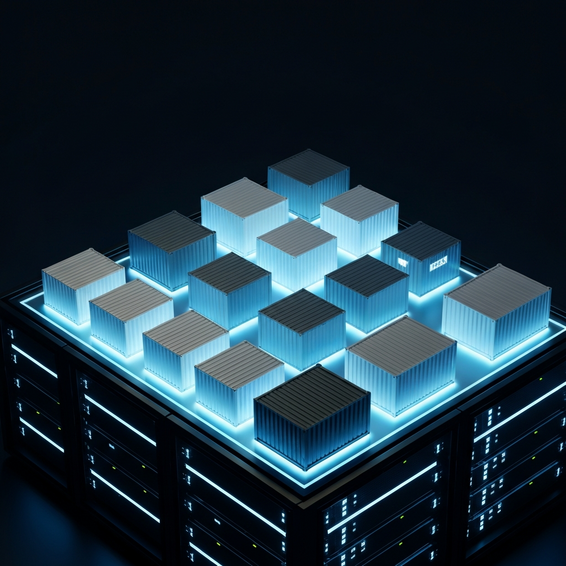
Rather than limiting your server hardware to a single operating system, you can unlock its full potential using a type-1 hypervisor like Proxmox VE. Proxmox allows you to slice up your physical machine into multiple, independent Virtual Machines (VMs) alongside lightweight LXC containers.
Taking this approach is a masterclass in hardware efficiency. It means you can have a Windows environment, an Ubuntu server, and a dedicated network firewall all running simultaneously on the very same box. If you accidentally break one of those VMs, it’s no big deal—you just roll it back to a previous backup snapshot without disrupting your other services.
5. Container Management with Docker and Portainer
Docker completely transformed the way developers deploy software by wrapping applications into neat, isolated, and portable containers. If you have any interest at all in modern DevOps workflows or microservices architecture, learning the ins and outs of Docker is simply non-negotiable.
That said, trying to manage a bunch of Docker containers strictly through a command-line interface can feel a bit tedious, especially for beginners. Portainer fixes this by offering a clean, web-based graphical user interface (GUI). It lets you deploy, monitor, and update your containers using just a few intuitive mouse clicks.
6. Reverse Proxy Setup with Nginx Proxy Manager
As your homelab inevitably expands, you will probably want to access your neat new services while you are away from the house. However, opening up a bunch of ports on your router is asking for a massive security breach. The smart, professional way to handle this is by setting up a reverse proxy.
Nginx Proxy Manager acts as a secure traffic cop, routing incoming external web requests through a single open port to the correct internal service. On top of that, it automatically handles the provisioning of free SSL certificates through Let’s Encrypt, guaranteeing that your remote connections stay securely encrypted at all times.
7. Automated Backups with Duplicati
There is nothing quite as heartbreaking as spending dozens of hours tweaking your server configurations and uploading your personal data, only to lose it all to a sudden hard drive failure. Setting up an automated backup routine is an absolute must. It is a vital step in maturing your home setup and a great way to dip your toes into IT automation.
Duplicati is an excellent, free backup client designed to securely store encrypted, compressed, and incremental backups. You can point it toward local drives or remote cloud storage. Getting this running teaches you the real-world importance of data redundancy and disaster recovery—skills that happen to be highly valued in the professional tech industry.
Best Practices for Your Homelab Environment
Piecing together a homelab is an absolute blast, but doing it without a plan can lead to tragic data loss or serious network vulnerabilities. To keep your self-hosted ecosystem running happily and securely, make sure to follow these essential best practices.
- Start Small, Scale Later: Resist the urge to blow your budget on loud, power-hungry enterprise gear. A refurbished mini PC or a repurposed laptop has more than enough horsepower for basic container workloads and learning the ropes.
- Prioritize Security: Unless you have a specific, unavoidable reason, never expose your personal services directly to the open internet. Instead, rely on Virtual Private Networks (VPNs) like Tailscale or WireGuard to safely tunnel into your lab from afar.
- Implement the 3-2-1 Backup Rule: Hardware failure isn’t a possibility; it’s an eventuality. Always keep three separate copies of your data, stored across two different types of media, with at least one copy tucked away safely off-site (like in a secure cloud storage bucket).
- Document Everything: Do your future self a favor and keep a personal wiki or a detailed notebook. When a service unexpectedly crashes six months down the road, your own step-by-step notes will be a total lifesaver.
Recommended Tools and Resources
Picking out the right gear can genuinely make or break your early learning experience. To point you in the right direction, here are a few of the most reliable, community-approved tools for anyone stepping into the homelab world.
- Hardware: Used USFF (Ultra Small Form Factor) computers—such as the Dell OptiPlex Micro, Lenovo ThinkCentre Tiny, or Intel NUC—strike the perfect balance. They draw very little power while delivering surprisingly punchy performance.
- Operating Systems: Because of its massive online community and endless tutorials, Ubuntu Server is the undisputed gold standard for beginners. If you want something even simpler, CasaOS provides a remarkably easy, cloud-like dashboard perfect for absolute novices.
- Networking: Equipment from brands like Ubiquiti UniFi or TP-Link Omada gives you a taste of enterprise-grade networking. They provide a highly visual, user-friendly way to learn about VLANs, custom firewall rules, and advanced traffic routing.
Frequently Asked Questions (FAQ)
What is a homelab?
At its core, a homelab is a dedicated computing setup sitting inside your house, built specifically for learning, testing, and self-hosting. Think of it as your own private, secure playground. It allows you to practice hands-on IT, networking, and software development skills without the crippling anxiety of taking down a company’s production network.
How much does a basic homelab cost?
You can easily kick things off for exactly zero dollars by simply repurposing a dusty desktop or laptop you already have in the closet. If you prefer to buy dedicated hardware, a highly capable refurbished mini PC can usually be snagged for somewhere between $100 and $200. Beyond that, your only real ongoing expense is the marginal cost of the electricity needed to keep your server humming 24/7.
Do I need a powerful server to start?
Absolutely not. The vast majority of self-hosted tools, from Pi-hole to basic web servers, happily run on less than 1GB of RAM and barely touch your CPU. You really only need to invest in beefy hardware if you plan on spinning up multiple heavy virtual machines, hosting large multiplayer game servers, or doing intensive 4K media transcoding.
Is it safe to host my own services?
Yes, it is incredibly safe—provided you stick to standard cybersecurity best practices. Make it a habit to update your software regularly, utilize long, strong passwords, and avoid opening unnecessary ports on your home router. By leaning on secure tunneling tools like Cloudflare Tunnels or a mesh VPN like Tailscale, you can dramatically shrink your network’s risk profile.
Conclusion
Taking that initial plunge into the world of self-hosting does not have to be an overwhelming or wildly expensive endeavor. By starting off with simple, highly actionable projects, you will quickly build up your technical confidence and gain a deep understanding of how the modern internet actually functions. Whether your goal is to block annoying network-wide ads, take control of your private files, or curate your own media library, these solutions offer massive practical benefits from day one.
Keep in mind that true success in the IT world comes down to continuous, hands-on learning and a willingness to experiment. As you check off these best homelab projects for beginners, you will naturally find yourself drifting toward much more advanced concepts, like high availability clustering, Kubernetes, and enterprise-level network design. So go ahead—grab that old computer, install a lightweight Linux distribution, and start assembling your ultimate personal homelab today!
About the Author